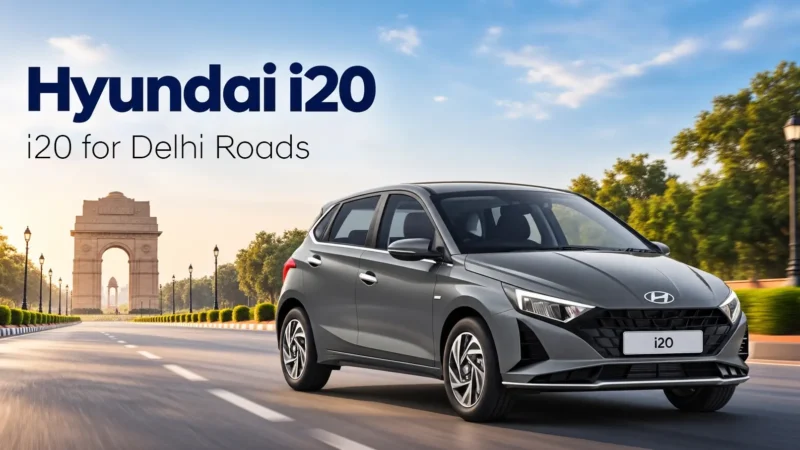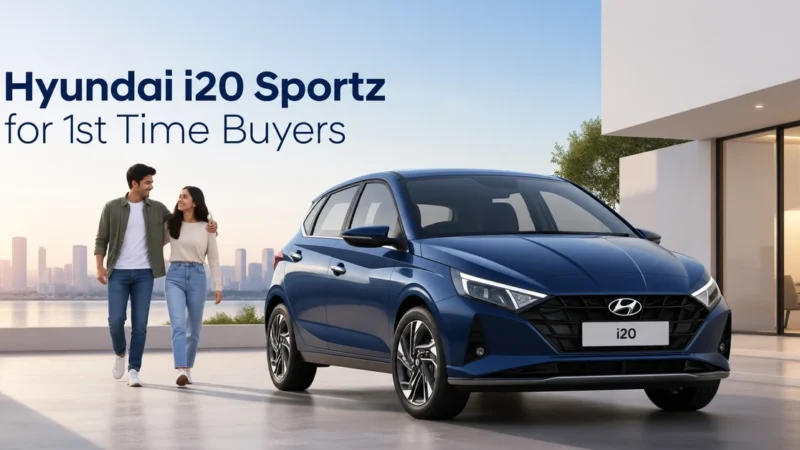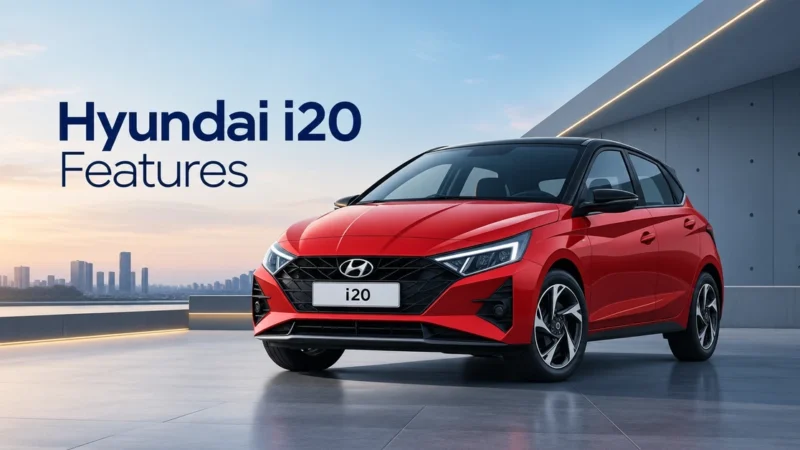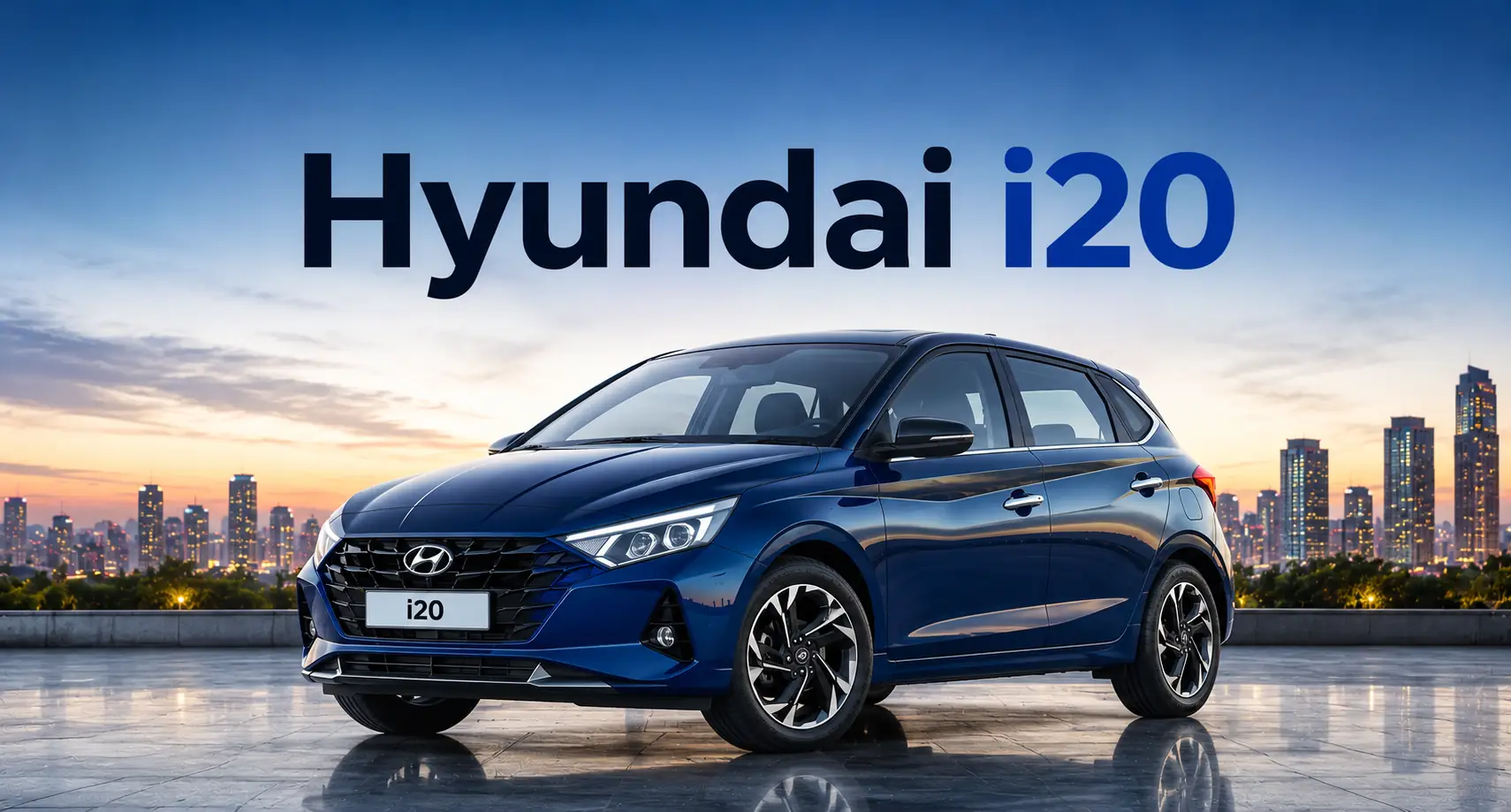

Delhi car buyers expect more than comfortable seating, stylish design and efficient performance. They also look for smart technology that makes everyday driving convenient, connected and enjoyable.
The Hyundai i20 combines premium hatchback styling with practical technology designed for modern drivers. Its infotainment system, smartphone connectivity, digital displays and convenient controls help drivers stay connected while travelling through busy Delhi NCR roads.
Whether you commute to work, travel with family or enjoy weekend drives, the Hyundai i20 offers several features that make every journey more convenient.
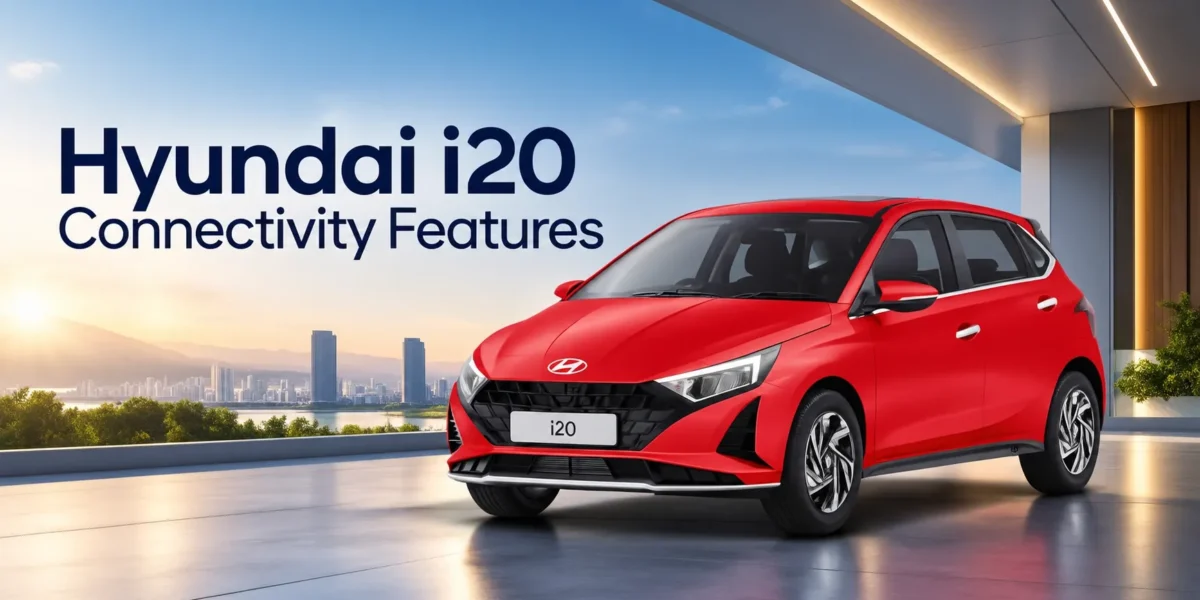
Find below the smart connectivity features of the Hyundai i20 and how they improve everyday driving.
1. How Does the Hyundai i20 Touchscreen Infotainment System Improve Connectivity?
The Hyundai i20 offers a touchscreen infotainment system that brings entertainment, smartphone connectivity and essential vehicle information together in one convenient interface.
Depending on the variant, buyers can explore an 8-inch touchscreen or a larger 10.25-inch HD infotainment display.
The touchscreen interface makes it easier to access different functions without relying on multiple physical controls.
Key advantages include:
- Easy access to music, audio settings and supported smartphone functions.
- A convenient interface for managing connected devices.
- Clear display of compatible navigation information.
- Convenient access to infotainment settings and available vehicle functions.
- A modern dashboard appearance that complements the i20’s premium interior.
A responsive infotainment system makes everyday journeys more convenient in Delhi NCR.
The larger display available on select variants can also improve the visibility of maps and other information.
2. Does the Hyundai i20 Support Android Auto and Apple CarPlay?
Yes, the Hyundai i20 offers Android Auto and Apple CarPlay compatibility, allowing drivers to access supported smartphone applications through the vehicle’s infotainment display.
These features connect compatible smartphones with the car’s infotainment system, making it easier to use selected mobile functions while driving.
Android Auto
Android Auto allows compatible Android smartphone users to access supported applications through the infotainment screen.
Drivers can use features such as:
- Google Maps and other compatible navigation applications.
- Music streaming through supported apps.
- Hands-free calling and messaging functions.
- Compatible voice assistant features.
- Audio entertainment and selected smartphone notifications.
Apple CarPlay
Apple CarPlay provides similar functionality for compatible iPhone users.
Drivers can access supported navigation, communication and entertainment applications through the vehicle’s infotainment system.
The connection method can vary by infotainment system and variant. Buyers should confirm whether their preferred Hyundai i20 variant supports wired or wireless smartphone projection.
3. What Is Hyundai Bluelink and How Does It Work in the i20?
Hyundai Bluelink is a connected-car technology platform that provides access to supported vehicle information and remote functions through compatible digital services.
On Hyundai models and variants equipped with Bluelink, the system connects the vehicle with supported services through the vehicle’s built-in communication technology.
Depending on the model, variant and service availability, connected-car functions may include:
- Vehicle status information.
- Vehicle location and related services.
- Remote functions supported by the vehicle.
- Vehicle health information and alerts.
- Connected navigation and other convenience services.
These capabilities can make vehicle ownership more convenient by helping drivers access selected information without physically interacting with the car.
4. How Does the Hyundai i20 Digital Instrument Display Help Drivers?
The Hyundai i20 offers a modern instrument display that presents important driving information in an easy-to-read format.
Depending on the variant, the vehicle may feature a digital instrument cluster or a combination of analogue and digital displays.
The instrument display helps drivers monitor essential information, including:
- Vehicle speed.
- Fuel level.
- Trip distance.
- Average fuel efficiency.
- Distance-to-empty information.
- Relevant vehicle alerts and warnings.
A clearly organised display reduces the effort required to check basic driving information.
The instrument display complements the infotainment system by keeping important vehicle information within the driver’s natural line of sight.
5. Does the Hyundai i20 Offer Wireless Charging?
The Hyundai i20 offers a wireless smartphone charging feature on select variants, adding convenience for drivers who regularly use their phones for navigation, communication and entertainment.
With a compatible smartphone, drivers can place their device on the designated charging pad instead of connecting a charging cable.
This feature offers several practical advantages.
Convenient Phone Charging
Wireless charging helps keep compatible smartphones charged during daily commutes.
Reduced Cable Clutter
Drivers can maintain a cleaner centre console without using additional charging cables for compatible devices.
Easy Access During Travel
The designated charging area provides a convenient place to keep a phone while travelling.
Useful for Busy Schedules
Drivers who frequently travel between meetings, offices and personal commitments can benefit from convenient charging access.
Wireless charging compatibility depends on the smartphone, and charging performance may vary according to device specifications and operating conditions.
Buyers should check whether wireless charging is available in their preferred Hyundai i20 variant.
6. How Do Steering-Mounted Controls Make the Hyundai i20 More Convenient?
Steering-mounted audio and phone controls are among the most practical convenience features in the Hyundai i20.
These controls allow drivers to manage selected infotainment functions without frequently reaching for the touchscreen.
Depending on the variant, drivers can use steering-mounted controls to:
- Adjust audio volume.
- Change music tracks.
- Answer or end phone calls.
- Access supported voice-command functions.
- Manage selected vehicle information displays.
These features are especially useful during Delhi NCR commutes, where drivers frequently encounter traffic signals, crowded intersections and unpredictable road conditions.
By placing frequently used functions within easy reach, the Hyundai i20 helps drivers maintain a more convenient driving experience.
7. How Does the Bose Premium Sound System Improve Entertainment?
The Hyundai i20 offers a Bose premium 7-speaker sound system on select variants. This audio setup includes speakers positioned around the cabin to create a more engaging listening experience.
Whether drivers enjoy music, podcasts or other audio content, the system helps deliver clear sound throughout the vehicle.
The Bose system offers several advantages:
- Clearer audio reproduction for music and spoken content.
- An immersive listening experience for front and rear passengers.
- Convenient entertainment during long commutes.
- Audio controls through the infotainment system and steering wheel.
- An enhanced premium cabin experience.
The Hyundai i20 also offers ambient sounds of nature on select higher variants, giving occupants another entertainment and relaxation option.
8. Does the Hyundai i20 Offer Voice Recognition Features?
Yes, the Hyundai i20 supports voice recognition through compatible smartphone connectivity on equipped variants.
Voice commands allow drivers to access supported functions without manually operating the touchscreen for every action.
Depending on the connected device and available features, drivers can use voice recognition to make calls, request navigation directions, control music and access other compatible functions.
Select higher variants also offer a voice-enabled smart electric sunroof, allowing occupants to operate the sunroof through supported voice commands.
These features add convenience, particularly during busy city commutes where drivers benefit from keeping their attention on the road.
Voice recognition functionality depends on the infotainment system, connected smartphone, language support and specific vehicle equipment.
9. What Are the Benefits of Home-to-Car Connectivity with Alexa?
The Hyundai i20 offers Home-to-Car (H2C) connectivity with Alexa on select higher variants equipped with Hyundai Bluelink.
This feature allows owners to interact with supported connected-car functions through a compatible Amazon Alexa-enabled device.
Instead of accessing every vehicle function directly through the infotainment system, owners can use supported voice commands from a connected device.
Home-to-Car technology may help users access selected vehicle information and perform supported remote functions, depending on the available services.
For example, owners can use compatible connected services to check supported vehicle information before leaving home.
However, Alexa integration requires compatible equipment, account configuration and connectivity. An Amazon Echo device is not included as standard equipment with the vehicle.
Buyers interested in this feature should confirm the supported commands and subscription requirements with Hans Hyundai.
10. How Do USB Charging and Bluetooth Connectivity Support Daily Driving?
The Hyundai i20 offers USB connectivity, charging provisions and Bluetooth functionality across equipped variants.
These features provide practical solutions for passengers who regularly use smartphones and other compatible devices.
USB Charging Convenience
The Hyundai i20 provides a front USB Type-C charging port, while rear USB charging is available on several variants.
Passengers can charge compatible devices during longer journeys without relying entirely on portable power banks.
Bluetooth Connectivity
Bluetooth allows compatible smartphones to connect with the vehicle’s supported infotainment system.
Drivers can access hands-free calling and audio streaming functions without repeatedly connecting a cable.
Multi-Device Connectivity
Select higher variants offer multi-device Bluetooth connectivity, making it more convenient to manage compatible devices.
These features are particularly useful for families and professionals who use multiple smartphones during everyday travel.
Which Hyundai i20 Variant Offers the Best Connectivity Features?
The Hyundai i20 offers different connectivity features across its variants. Buyers should compare the available equipment before choosing a model.
| Connectivity feature | Availability |
| 8-inch touchscreen | Sportz, Sportz(O), Asta and select editions |
| 10.25-inch HD touchscreen | Asta(O) and Asta(O) Knight |
| Android Auto and Apple CarPlay | Select variants |
| Bose premium 7-speaker system | Sportz(O) and higher equipped variants |
| Wireless smartphone charging | Asta and higher equipped variants |
| Hyundai Bluelink | Asta(O) and Asta(O) Knight |
| Home-to-Car with Alexa | Bluelink-equipped higher variants |
| Steering-mounted audio controls | Available across the listed range |
Buyers who primarily want smartphone navigation, music streaming and hands-free calling can consider the variants equipped with touchscreen infotainment.
Those who prefer a larger display, advanced connected-car technology and additional convenience features can explore the higher variants.
Why Is the Hyundai i20 a Smart Choice for Connected Driving in Delhi NCR?
Delhi NCR drivers regularly deal with congested roads, unfamiliar routes, crowded parking areas and long commuting hours.
The Hyundai i20 combines several connectivity features that make these everyday situations easier to manage.
Smartphone navigation helps drivers access supported route guidance and traffic information. Steering-mounted controls make it convenient to manage calls and audio. Wireless charging helps compatible smartphones stay powered during longer journeys.
Meanwhile, the available Bose sound system adds entertainment, and Hyundai Bluelink introduces additional connected-car functionality on select variants.
These features make the Hyundai i20 a practical option for buyers who want modern technology in a premium hatchback.
Frequently Asked Questions
1. Does the Hyundai i20 support wireless Android Auto and Apple CarPlay?
Yes, the Hyundai i20 supports wireless Android Auto and Apple CarPlay on select variants. However, the connection method depends on the infotainment system and transmission configuration. Some higher variants may require a compatible wired-to-wireless adapter.
2. Does the Hyundai i20 have Hyundai Bluelink connectivity?
Yes, the Hyundai i20 offers Hyundai Bluelink connected-car technology on select higher variants, including the Asta(O). Bluelink provides access to supported connected services, vehicle information and additional convenience functions.
3. Does the Hyundai i20 offer wireless phone charging?
Yes, the Hyundai i20 offers wireless smartphone charging on select variants, including the Asta and higher equipped versions. Drivers can place a compatible smartphone on the designated charging pad without connecting a charging cable.
4. Which Hyundai i20 variant offers the largest touchscreen?
The Hyundai i20 Asta(O) and Asta(O) Knight variants offer a 10.25-inch HD touchscreen infotainment and navigation system. Other equipped variants offer an 8-inch touchscreen. Buyers can compare both systems at Hans Hyundai to understand their connectivity and convenience features.
5. Is the Hyundai i20 suitable for buyers who want advanced connectivity?
Yes, the Hyundai i20 offers several useful connectivity features, including smartphone integration, Bluetooth, voice recognition, USB charging and steering-mounted controls. Higher variants add features such as Hyundai Bluelink, a larger touchscreen, Bose audio and wireless charging, making the i20 suitable for technology-focused Delhi NCR buyers.
Explore the Hyundai i20 at Hans Hyundai
Discover the Hyundai i20 at Hans Hyundai and experience its smart connectivity features, premium interiors and everyday driving convenience. Compare the Sportz, Asta and Asta(O) variants, explore the latest Hyundai i20 Showroom price in Delhi, and check ongoing offers.
Book your test drive at Hans Hyundai today!